What Is the Best Software for Creating Professional Logos in 2026?

July 1, 2026
Key Takeaways
- Choose logo design software based on whether you need a quick free logo, a flexible free logo design tool, or a long-term professional branding solution.
- Adobe Illustrator and Affinity Designer remain the most powerful options for professional logo designers and agencies in 2026, especially when combined with libraries like Adobe Stock.
- Canva’s logo maker, Adobe Express, and other best logo makers are ideal for small business owners who want to make a logo fast without deep design skills – but they’re not a full substitute for a brand strategy or a logo designer.
- Open-source tools like Inkscape offer strong, genuinely free logo design software for organizations on tight budgets.
- From Backflip’s perspective as a creative agency, the best logo design software is the one that supports a bigger brand system – working well with video, web, and print assets – not just a standalone logo file.
Introduction: How to Pick the Best Software for Professional Logo Design
In 2026, the best software for creating professional logos depends on your skill level and budget: Adobe Illustrator CC remains the top choice for professional designers, Affinity Designer is a strong one-time-purchase alternative, Canva Logo Maker and Adobe Express work well for beginners, and Inkscape is a solid free vector option for DIY users. Your logo isn’t just a static image on a business card. It shows up in YouTube intros, lower-thirds overlays, mobile apps, fundraising decks, and social feeds – sometimes all in the same week.
For businesses, nonprofits, churches, and marketing teams across Wisconsin and beyond, brand identity consistency across video, web, and print is no longer optional. It’s the baseline. The right logo software affects whether your mark stays scalable, editable, and consistent across every platform where your brand appears.
This article compares paid and free logo design tools, beginner-friendly and AI-powered logo makers, and professional vector software side by side, with practical guidance on vector vs. raster formats, brand system integration, and the real design process behind a logo that has to work in production. At Backflip, our Madison-based creative agency, we evaluate design software by how well it fits into real workflows – collaboration, export options for video and web, and whether the files hold up when handed off to printers, developers, or motion graphics editors. Whether you’re a beginner looking for a free online logo maker or a professional designer comparing vector editors, you’ll find a clear path forward below.
Quick Answer: The Best Logo Software by Skill Level and Budget
If you just want a straight answer, here are our top picks for 2026:
- Best overall professional logo design software: Adobe Illustrator CC – the industry standard for agencies and in-house design teams.
- Best one-time-purchase pro alternative: Affinity Designer – a comprehensive toolset without the subscription.
- Best beginner-friendly logo makers: Canva Logo Maker and Adobe Express – perfect for non designers who need to create a logo quickly.
- Best free logo design software for serious DIYers: Inkscape – a genuinely free vector editor with professional-grade capabilities.
- Fastest way to test logo ideas for free: AI logo makers like Looka and Shopify Hatchful.
Here’s how those choices break down by use case:
- Best if you’re a marketer with no design background: Start with the canva logo maker or Adobe Express. Both offer a drag and drop interface and logo templates that make creating logos accessible without a steep learning curve.
- Best if you plan to hire a designer later but need a placeholder now: Use Shopify Hatchful or Looka to generate logo ideas, then hand your favorites to a professional designer for refinement.
- Best if you need a unique logo for a growing brand: Invest in Adobe Illustrator or Affinity Designer, or work with a creative agency like Backflip that already uses these tools daily.
- Best if budget is near zero but you have time to learn: Download Inkscape and work through its community tutorials.
For mission-critical branding – rebrands, multi-channel campaigns, integration into video and web – we rely on professional vector tools plus a strategic brand process, not just a free logo maker.
What to Look for in Logo Design Software (Before You Download Anything)
The right design software depends on file quality, scalability, and how your logo will actually be used. A logo that looks great as a social media avatar but falls apart on a banner or over video footage isn’t doing its job. Before you download anything, consider these criteria:
Vector software creates artwork from mathematical paths, allowing for scalability without quality loss. That distinction between vector and raster matters more than almost any other feature. Here’s what to evaluate:
- Vector vs. raster output: Professional logo design requires vector graphics rather than raster graphics. Vector editing tools are crucial for creating crisp logos that scale from a favicon to a billboard. Logos should be created as vectors to scale without losing quality, and scalability ensures designs maintain quality at any size.
- File format exports: Multiple export formats enable versatility for different uses such as web and print. Look for software that exports SVG, EPS, PDF, and high-res PNG image files with transparent backgrounds – essential for video overlays and motion graphics.
- Brand system support: The best design software lets you manage brand colors, typography, and layout grids so your logo fits into a full brand identity – not just a single image. Color management supports different color modes for print and digital, and color management ensures consistent branding across digital and print media.
- Ease of use and learning curve: Some tools offer a drag and drop interface designed for non designers. Others, like Illustrator, offer a steeper learning curve but far greater control. Match the tool to your team’s skill level.
- Collaboration: Can you share files easily with an agency, a printer, or a web developer? Cloud syncing and commenting features matter for teams.
- Licensing and ownership: Free logo generators and stock icon libraries often come with non-exclusive licenses. That means another business might end up with a similar mark. Review terms carefully – especially if you plan to trademark your logo.
- Budget and pricing model: One-time purchase, subscription, or freemium? A $20 logo maker purchase seems cheap until you discover vector exports are locked behind a $65 upgrade.
Best Professional Logo Design Software (Paid, for Long-Term Brand Use)
Serious, long-lived brands typically rely on professional vector tools to design logos that work across campaigns, packaging, signage, and video. If you’re building an own logo meant to last years, this is where to invest.
Professionals use various software for logo design, including Adobe Illustrator and Affinity Designer. Here’s how the leading paid options compare:
- Adobe Illustrator CC:
- Adobe Illustrator is the industry standard for logo design software, used by agencies and in-house teams worldwide. Adobe Illustrator remains the benchmark because of its precise vector controls, advanced typography tools important for branding, and deep integration with other creative cloud apps like Photoshop, After Effects, and Premiere Pro. Typography controls enable fine adjustments for distinctive logo designs, and shape-building tools like Boolean operations are essential for creating original logos.
- The 2026 release (v30.3) introduced improved snapping behaviors and perceptual gradients that reduce banding – useful for gradient-based logo marks. Artboards let you create multiple logo lockups in a single file. Access to Adobe Stock and the newest features comes through the creative cloud subscription (approximately $70/month after promotional pricing).
- It offers all the tools a professional needs, but the learning curve is real. This isn’t the pick for someone who has never touched graphic design software.
- Affinity Designer:
- Affinity Designer is available for a one-time purchase and offers advanced features at that one-time purchase price – no subscription required. It supports vector and pixel editing in one app, includes artboards, symbols, CMYK support for print, and handles advanced tools like variable fonts and Pantone libraries without extra cost.
- Since Canva’s acquisition, the core app is now free with premium features behind a subscription, but the desktop version remains a strong alternative for budget-conscious pros. It’s slightly narrower in ecosystem than Illustrator – missing some perspective grids and plugin options – but more than capable for most logo design needs.
- CorelDRAW Graphics Suite:
- A mature alternative with pro vector tools and features like LiveSketch for adapting hand-drawn logo concepts. It includes photo paint capabilities and exports EPS, PDF, and SVG. While file format standards can vary, it remains popular among certain print shops and sign makers.
- Adobe Photoshop (supporting role):
- Photoshop is primarily raster-based. It’s not ideal for final logos, but it’s excellent for sketching, moodboards, photo editing, and exploring logo concepts before vectorizing them in Illustrator or Affinity. Think of it as the concept sketchpad, not the final delivery tool.
- Adobe Express for business teams:
- Once a core logo is professionally designed, marketing teams can use Adobe Express to quickly deploy branded assets – social graphics, thumbnails, event promos – using that logo and your established brand kit.
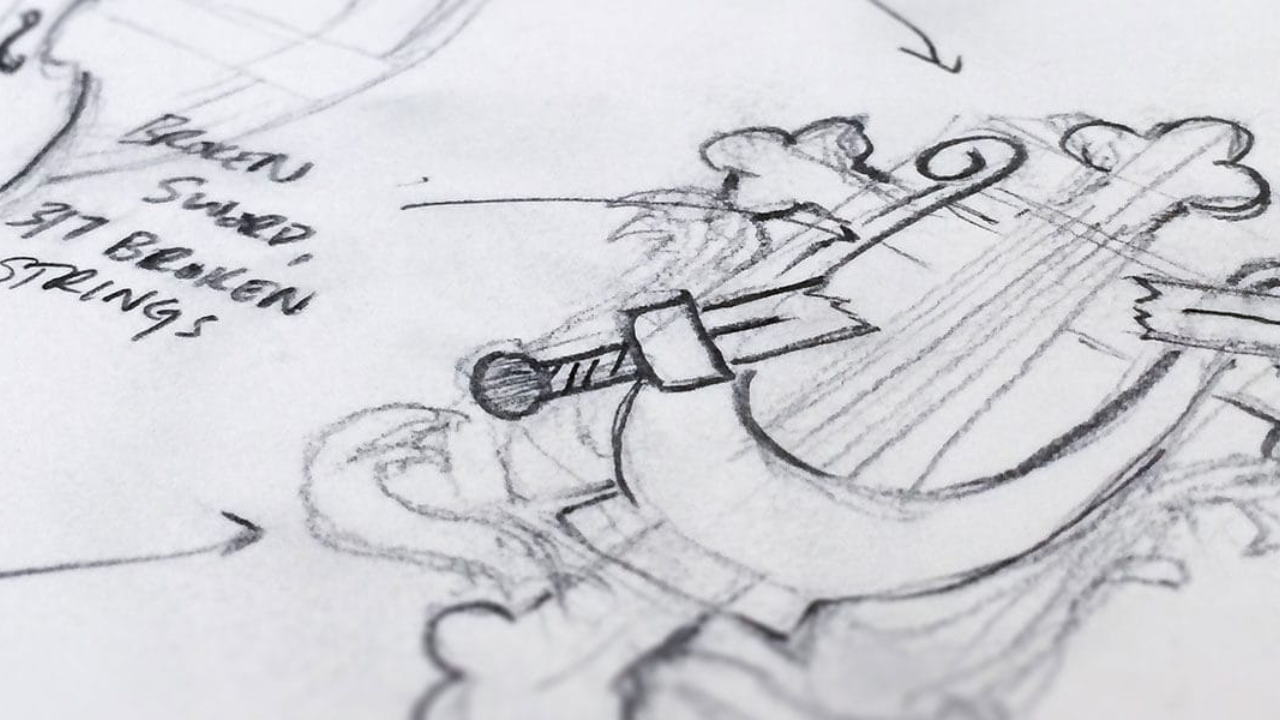
At Backflip, we lean on Illustrator and the good old sketchbook for lasting brands. Logos that need to animate cleanly in video or scale crisply on signage demand the precision that only a dedicated design tool provides. That’s also why high-quality logo design doesn’t cost $50. In a project for the Greater Madison Chamber of Commerce, Backflip designed an animated intro video for an Ice Breaker event.
Best Free Logo Design Software and Truly Free Logo Makers
There’s an important difference between free logo maker sites that generate templates (and may charge for usable downloads) and genuine free design software that gives you full control over your own images and exports. Here’s where the best free logo designers actually stand:
- Inkscape:
- Inkscape is a free, open-source vector graphics editor that rivals paid options. It handles Bézier curves, advanced path editing, text controls, pattern fills, and gradients. It exports SVG natively and supports EPS and PDF.
- It’s suitable for organizations with tight budgets that still want professional-level control over their design process. The community is active with tutorials, but expect a steeper learning curve compared to simple online makers.
- Vectr:
- A free browser-based and desktop app focused on simple vector editing with an intuitive UI. Good for basic logos and icon-style designs when budgets and timelines are limited.
- Truly free logo makers:
- Shopify Hatchful is completely free to create and download logos, with mobile support for designing on the go. Logomaker by VistaPrint allows free logo downloads in multiple formats – it’s completely free to design and download logos, though customization options are basic. Ucraft’s Free Logo Maker lets users design from scratch for free.
- The trade-offs are real: generic logo templates, heavy reliance on icons and fonts that may be widely reused by others, and potential limits on uniqueness. Many free logo design tools restrict vector or transparent background exports to paid tiers, so check before you invest time.
When does Backflip recommend a free tool? For small internal projects, event sub-brands, or early idea exploration before investing in a complete brand identity. Free tools are useful, but they’re not a full replacement for a strategic branding process.
Best Beginner-Friendly Logo Makers and AI-Powered Logo Generators
AI and template-based tools have made it remarkably easy to design logos and get professional looking logos in 2026. But speed comes with compromises on originality and long-term brand strength. AI can assist in generating initial logo concepts but is not a substitute for design expertise.
- Canva Logo Maker:
- Canva Logo Maker offers a free option for logo creation and is one of the best logo makers for non designers. Canva offers over a million templates for logo design, and Canva provides over a million customizable templates for logo design. The drag and drop interface, design elements library, and built-in brand kit make it easy to produce a professional logo for social media or an event quickly.
- Ideal uses: early-stage startups, churches or nonprofits needing a quick logo online for internal marketing materials. The free version exports PNG and JPG; transparent backgrounds and SVG require a paid plan. Canva provides a free logo maker with numerous templates, but the customization options have limits.
- Adobe Express:
- Adobe Express requires no design experience to create logos. It offers a free logo maker for everyone and allows deeper customization for logo designs in the browser, with integration into the wider Adobe ecosystem. Teams can maintain brand consistency for social content once a base logo exists. Design features include ready-made templates tailored for different industries and ai powered features for quick generation.
- Looka (AI-powered logo designer):
- Looka uses AI to generate logo designs based on user input. It asks about your industry, style preferences, and logo colors, then generates dozens of concepts in minutes. Looka generates logos based on user preferences in minutes, and Looka generates logos based on user preferences through AI technology. The platform has earned 4.4 out of 5 stars from over 14,000 Trustpilot reviews.
- Pros: speed, accessibility, and brand kit mockups. Cons: limited uniqueness – many outputs look similar across industries – and vector files are locked behind premium tiers ($65+ one-time).
- Tailor Brands Logo Maker: Tailor Brands Logo Maker designs logos with minimal user input, using ai tools to suggest combinations. Useful as a logo generator for quick concepts, but similar limitations on originality apply.
- Shopify Hatchful and similar tools: Shopify Hatchful is a free logo maker with mobile support, letting users pick an industry and style to get on-brand logo ideas fast, especially for side projects.
Risks and best practices to keep in mind:
- Treat AI and templates as a starting point, not a final destination for established brands. Check for logo uniqueness, legibility at small sizes, and how the logo will look over lower thirds and title cards in video.
- Icons and fonts from template libraries are typically non-exclusive. Trademark offices may deny registration for marks built from widely reused elements.
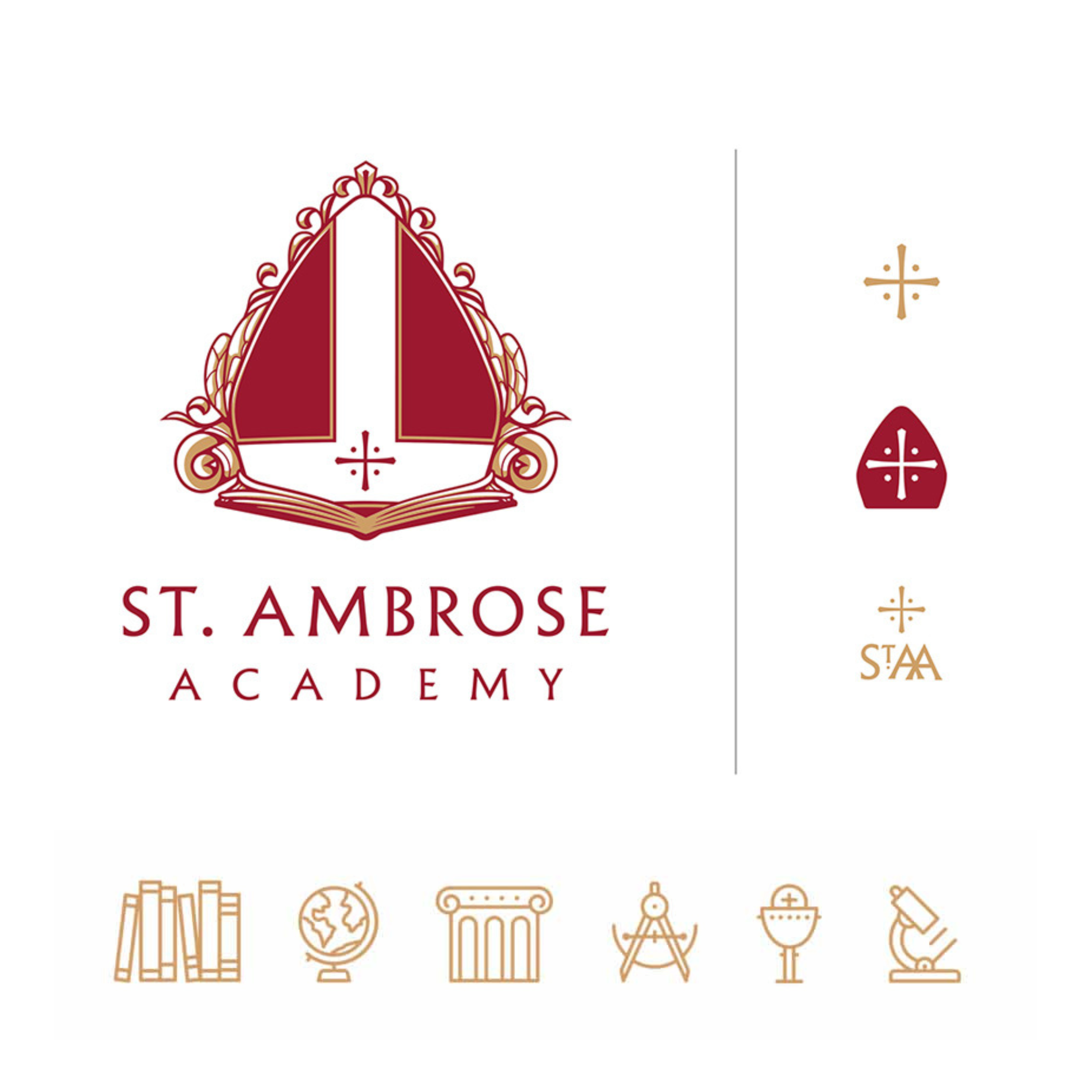
At Backflip, we often help clients evolve from an AI-generated or Canva-style logo into a more original brand system once they see traction and need a scalable visual identity. In our logo rebrand for St. Ambrose Academy, we created a modern design and custom icons that still represented the deep tradition and namesake of the school.
How Backflip (and Other Agencies) Actually Create Professional Logos
The software is only half the story. The bigger half is strategy, research, and how the logo connects to video, website, and marketing campaigns. A great logo doesn’t emerge from picking the right app – it comes from understanding the organization it represents.
At Backflip, our design process for clients across Wisconsin – from church rebrands to nonprofit identity systems – follows a structured path through our branding and brand design services:
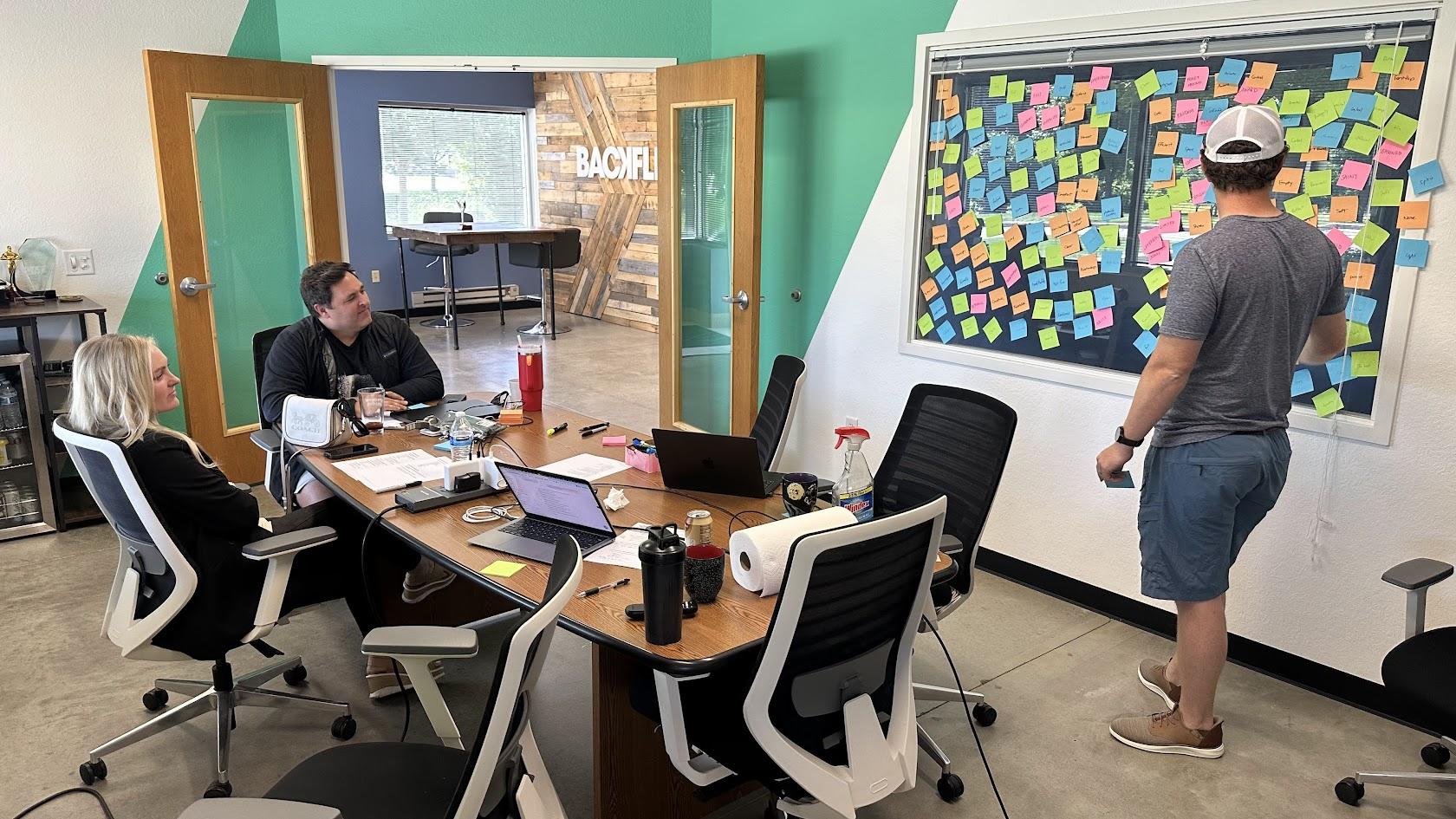
- Discovery and strategy: Workshops to understand mission, audience, and positioning. Audit of existing marketing materials: website, social content, video, print, and any prior logo usage.
- Concept development: Hand sketches and digital roughs using tools like Procreate or Adobe Photoshop. Early black-and-white variants to focus on form and logo recognition before adding color or exploring effective color palettes.
- Digital refinement in design software: Vectorizing and refining in Adobe Illustrator – grid alignment, optical balance, custom typography, and icon design. Creating responsive versions (full logo, horizontal lockup, icon/mark) for different specifications platform needs.
- Testing across real-world touchpoints: Mockups for social media profiles, YouTube intros, lower-thirds on video, signage, and print pieces. Checking legibility on small mobile screens and over footage.
- Brand system and rollout: Building a brand guide covering logo usage, logo colors, fonts, clear space, and do/don’t rules. Coordinating logo launch across web, social, live streams, and print assets.
Even when clients start with a free logo, we help evolve it into a strategic, ownable identity supported by professional logo design software and a process that impacts marketing ROI.
How to Choose the Best Logo Design Tool for Your Specific Situation
Many readers are deciding between doing it themselves with a free logo maker and hiring a professional logo designer or agency. Here’s how to match your situation to the right approach:
- Solo founder or small nonprofit with no budget: Start with Canva, Adobe Express, or Inkscape to create a logo and get moving. Keep future rebrand needs in mind – save your own images, color choices, and design decisions as reference.
- Growing business planning a full rebrand in 12–24 months: Work with a professional using Illustrator or Affinity Designer. Focus on a scalable brand system from day one – a new logo that works across every channel.
- Internal marketing team wanting control over updates: Build the core logo professionally in Illustrator, then set up templates in Canva or Adobe Express for daily use by non designers specifications platform users.
- Organizations planning heavy use of video and live streaming: Prioritize graphic design software that exports clean vector or high-res assets for motion graphics. The Illustrator-to-After Effects workflow is standard, and Backflip supports that integration for corporate video production.
When to stop DIY and contact an agency: When you’re investing in broader marketing – website redesign, video storytelling campaigns, fundraising – and need a cohesive brand across everything. That’s the moment a perfect logo matters most, and it’s worth getting a graphic designer or creative team involved.
FAQ: Common Questions About Logo Design Software
Is free logo design software really enough for a professional business logo?
Tools like Inkscape and Vectr are powerful enough to create a technically professional logo if used by someone with solid design fundamentals. They provide a genuine free version with full vector export – no hidden paywalls for basic use. However, most free logo maker websites are better for experiments or temporary identities, not for long-term, differentiated branding. Many established organizations eventually outgrow a DIY logo and partner with agencies like Backflip for a more strategic, future-proof identity supported by the latest hardware and professional workflows.
Can I start my logo in Canva or a free logo maker and have a designer improve it later?
Yes – this is a common path. Starting with a Canva logo or a best free logo design option for speed, then hiring a logo designer to refine or rebuild it in Illustrator or Affinity Designer, works well. Keep your original text, color choices, and any icons you like as reference material for the professional redesign. Just know that some icons and fonts from template libraries may not be suitable for exclusive brand use, so a designer may replace them with custom design elements.
What file types should I ask for when my logo is finished?
Request SVG and EPS for scalable vector use, PDF for printers, and PNG with transparent background for web, social, and video overlays. Also ask for a horizontal, stacked, and icon-only version of the logo, plus light/dark variants for flexibility. At Backflip, logo deliveries are packaged with a simple usage guide, making it easier for internal teams and vendors to keep branding consistent across all channels.
Does using Adobe Stock images or icons in my logo affect ownership?
Adobe Stock and similar libraries have specific license terms, and many assets are not intended to be used as core, trademarked logos. Non-exclusive licensing means other brands could use the same graphic. For long-term logos, favor custom iconography created in Illustrator or Affinity Designer instead of stock graphics. This is one reason agencies like Backflip design original logo marks rather than relying on pre-made symbols.
When should my organization move from a DIY logo to working with a creative agency?
Common triggers include expanding into new markets, launching major fundraising campaigns, adding video and live streaming to your marketing, or feeling that the current logo limits your credibility. Partnering with an agency provides strategic discovery, professional results backed by expert design skills, and integration of the logo into web, video, and all your marketing materials. Organizations in Madison and across Wisconsin can reach out to Backflip to audit their existing logo and brand before making that transition.
Book a call or check our graphic design services page to find out more!
